The challenge
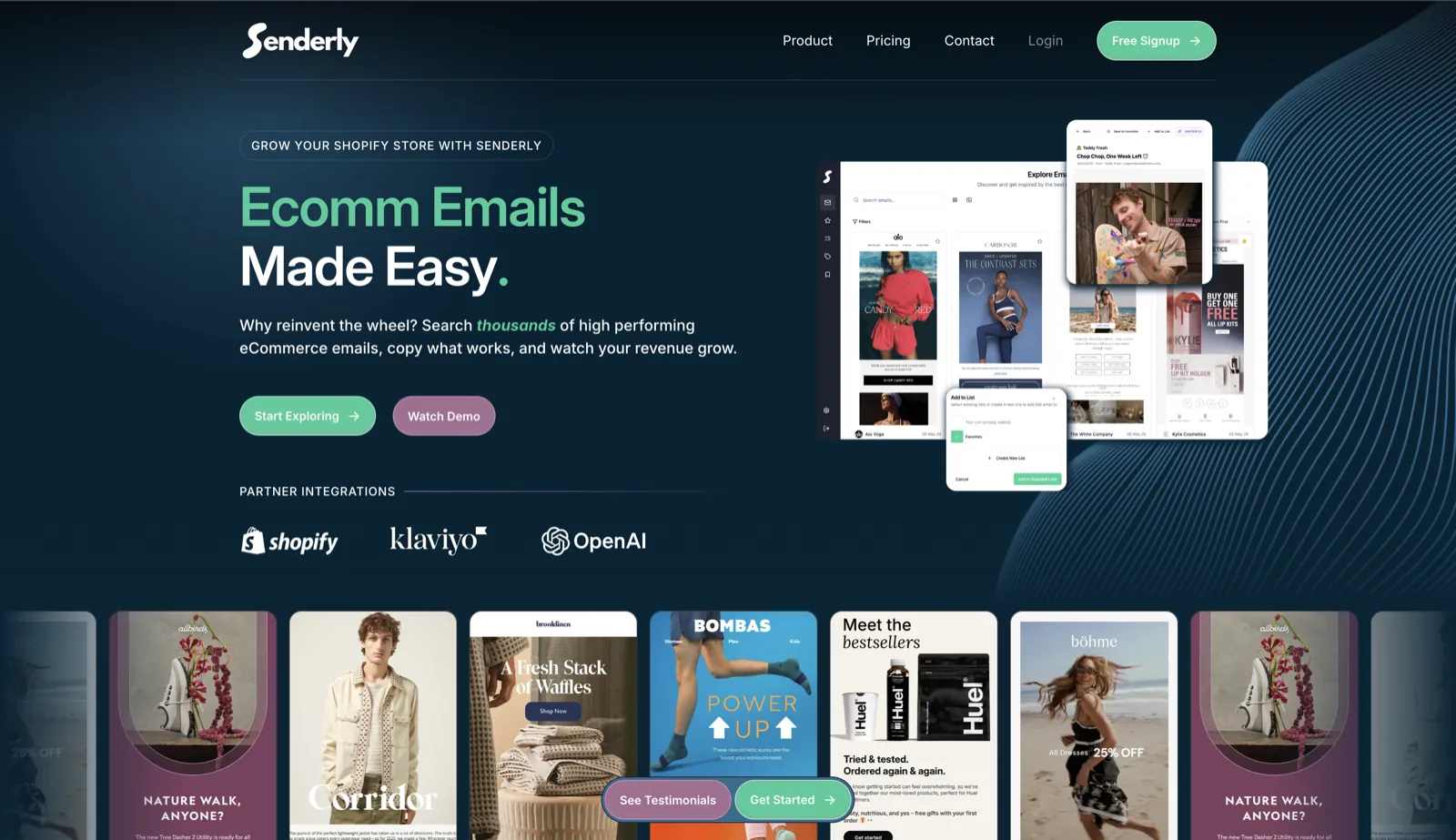
For an eCommerce brand that sends campaigns regularly, each one needs two pieces of work that normally sit with different people: copy written in the brand’s voice, and an image that puts the right product in front of the reader. Template editors hand the marketer an empty layout and leave both jobs to them. Across a busy promotional calendar, the cost shows up as hand-offs, revision rounds and manual exports, and the tone slips a little each time a new person picks up the brief.
A language model can produce a passable email in seconds, so it is tempting to stop there. We chose not to. Paragraphs of free text give the rest of the system nothing to check or position, which turns every output into a one-off that someone has to tidy by hand. Rendering added a second risk: image generation is slow and sometimes fails halfway, and an API that holds a request open while it waits will sooner or later drop work. The goal we set was output a marketer could send as it stood, with nothing left to rebuild.
- Go from product and brand inputs to a finished email asset, copy and image together
- Hold the brand’s voice and look steady when generating in bulk
- Absorb slow or failed renders without timeouts or lost work
- Pass completed campaigns on to the brand’s email service provider
Our approach
The first decision was about structure. A single large prompt that tries to write, design and render at once is hard to debug and harder to improve, so we built Senderly as a Flask REST service that runs a sequence of stages, each with one responsibility and a known output. When a result looks wrong, the team can see which stage produced it, rerun that stage and refine it without disturbing the rest. For output that goes straight to a brand’s customers, that traceability is worth more than any single clever prompt.
Stage one asks GPT-4 for the email copy in a fixed shape, returned as Email Copy JSON. Because the fields are defined in advance, the copy can be checked before design work begins, and later code never has to guess where each piece of copy belongs. Stage two reads that copy and returns Image JSON, a blueprint for how the creative should be composed. We kept the two stages apart deliberately: what an email says and how it looks are separate decisions, and separating them lets each be tested and tuned on its own.
We expected rendering to be the fragile part, so we treated it as background work from the outset. The API asks Kie.ai for a render, responds at once, and waits for a webhook to say the image is ready. The finished PNG creative carries the product assets inlined. SQLite records the state of every job, its retries and its hand-off to the brand’s email service provider (ESP), so a render that stalls or fails is picked up from a known point instead of disappearing between request and inbox.
Marketers also needed a way to steer results without learning prompt engineering. We gave them prompt tooling that keeps copy and creatives on-brand across bulk runs, which is exactly where unmanaged prompts start to wander.
- Flask REST service running a staged AI pipeline
- GPT-4 copy returned as structured Email Copy JSON
- A separate design stage that outputs Image JSON layout blueprints
- Kie.ai renders run as async jobs and report back by webhook
- Final PNG creatives with the product assets inlined
- SQLite record of job state, retries and ESP hand-off
- Prompt tooling for on-brand bulk generation
Architecture & stack
- AI
- OpenAI GPT-4, Kie.ai, Structured JSON outputs
- Backend
- Python, Flask, REST API
- Jobs & data
- Webhooks, Async jobs, SQLite
The outcome
Brands using Senderly go from inputs to a sendable campaign in one pass, with copy and creative produced together. The design round that used to sit between drafting and sending drops out, and the process behaves the same whether the request is one email or a large batch.
Structured stages and tracked jobs also mean problems surface where someone can deal with them. A failed render is visible and retried, and finished campaigns reach the ESP without a manual export. The prompt tooling protects the brand voice at the point it is most at risk, when volume rises.
Our advice to a client planning something similar: if an AI feature produces anything a customer will see, design the output format before writing the prompt. Ask the model for structured data, break the work into stages that can be tested one at a time, and run anything slow or external as a tracked background job. The extra design work is small next to the clean-up it prevents.
Last updated